 Get PromptSnip free
1
Add context
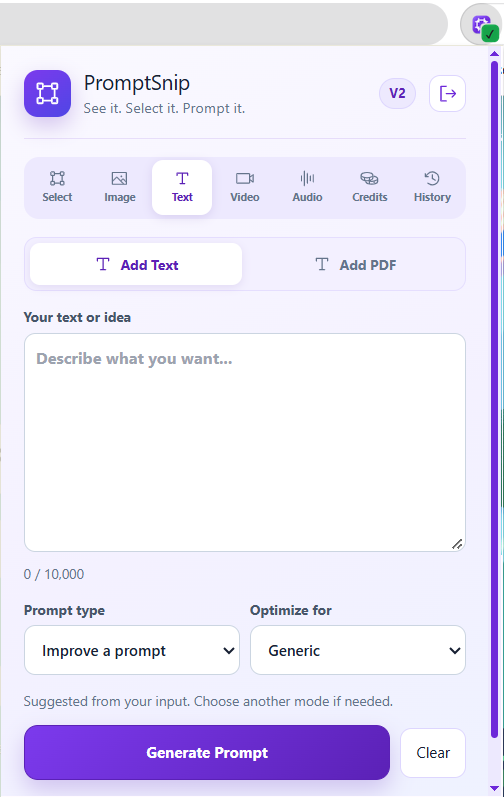
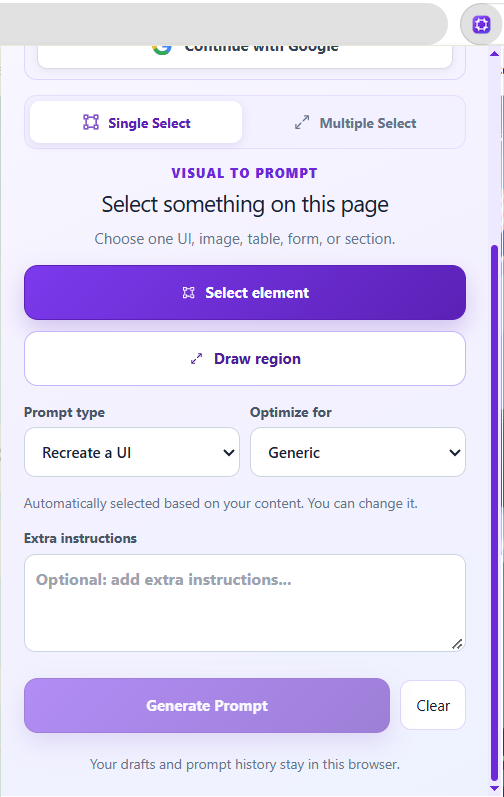
Select a page region or add image, text, PDF, video or audio.
Select from a webpage, upload one or multiple images, add text or PDFs, work with video and audio, then let PromptSnip generate a clear prompt you can copy, refine and reuse.
BUILT FOR REAL WORKFLOWS
PromptSnip 2.0 keeps the workflow simple even when your source material is not.
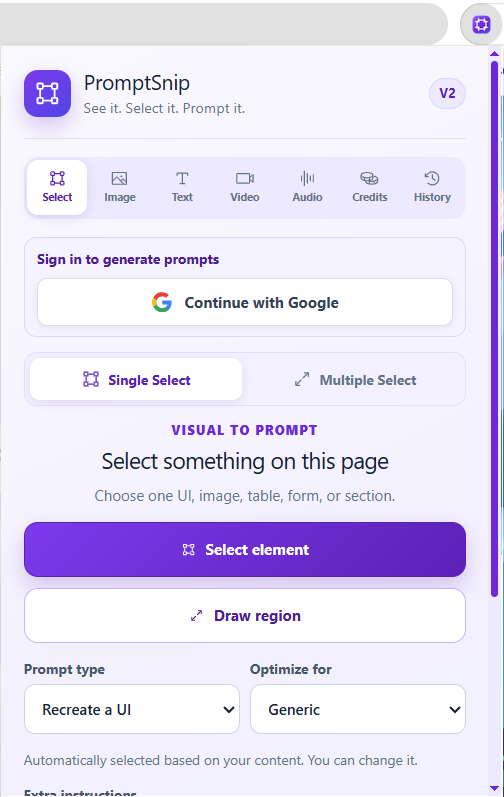
Capture one or multiple elements on a webpage.
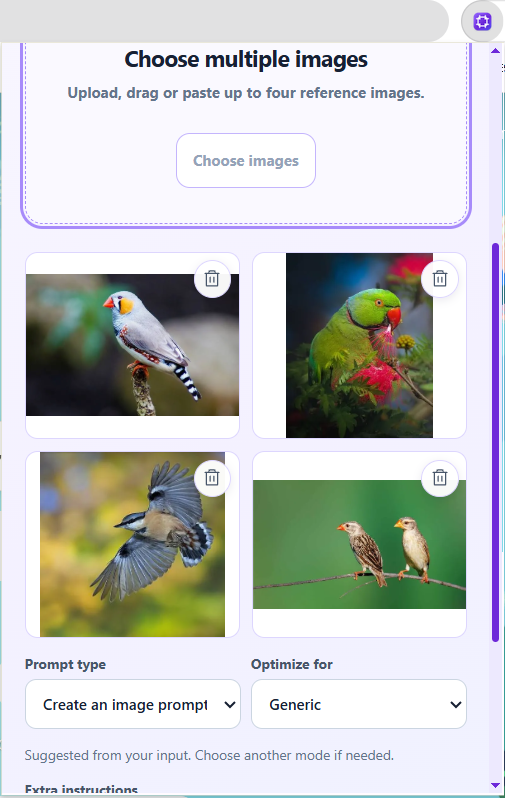
Turn one image or a collection of references into prompts.
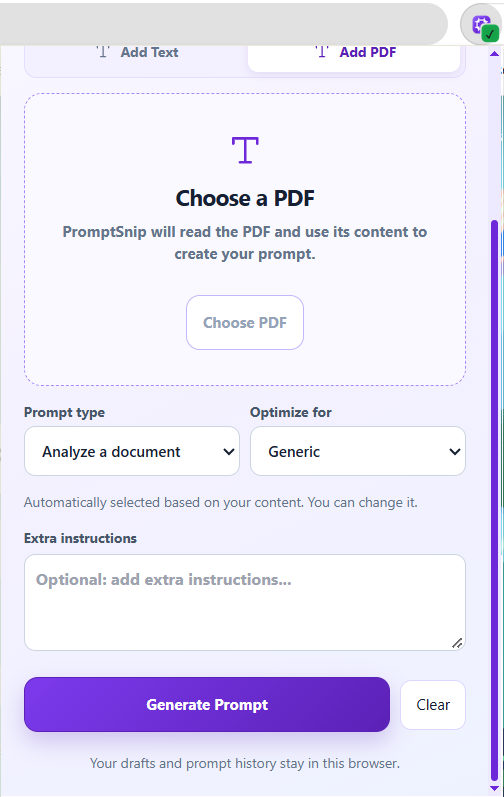
Paste written content or attach a PDF document.
Use video, URLs or audio recordings as source material.
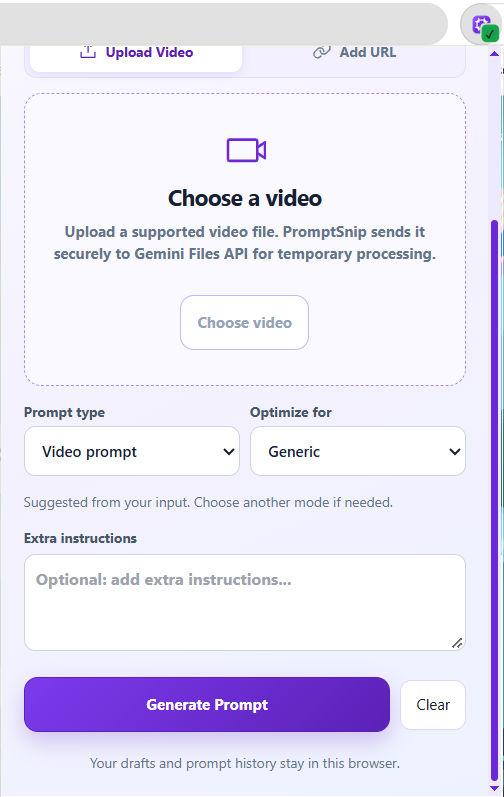
SEE THE REAL EXTENSION
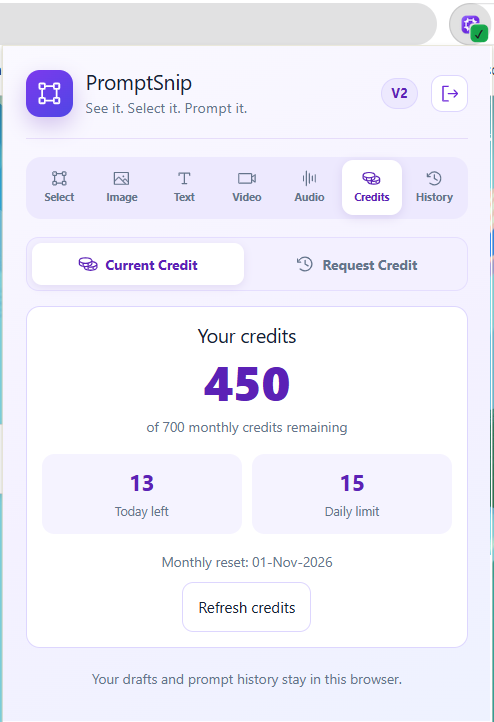
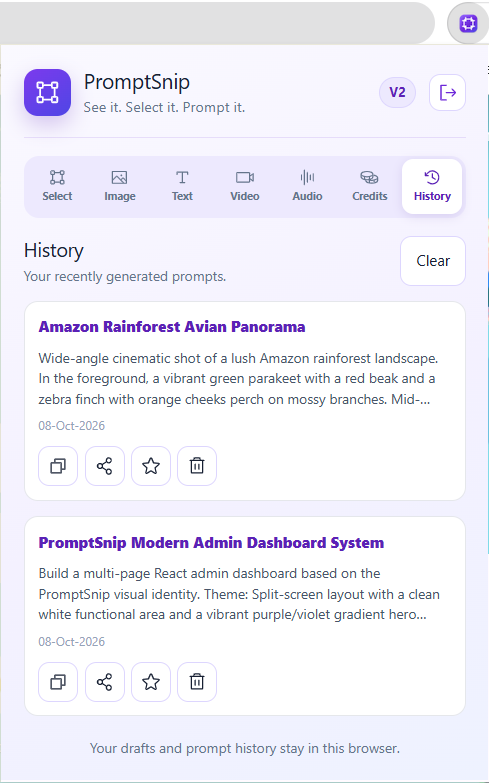
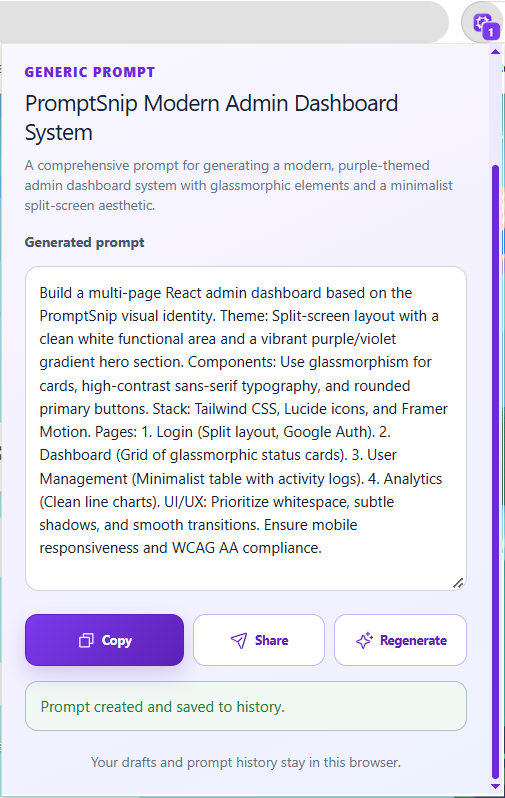
Explore the actual PromptSnip screens, from adding content to copying the finished prompt.
HOW IT FLOWS
Select a page region or add image, text, PDF, video or audio.
It recognizes the input type and prepares the prompt workflow.
Add instructions, change prompt type or regenerate when needed.
Copy or share the finished prompt with the AI tool you prefer.
SMARTER BY DEFAULT
PromptSnip can automatically select a relevant prompt type from the content you provide. You stay in control and can change it whenever your goal is different.
Learn about smart prompt selection →FREE PLAN
Start with generous free usage and request more credits when needed.
PRIVACY BY DESIGN
PromptSnip minimizes unnecessary data collection while supporting authentication, prompt generation, media processing and history.
Understand privacy →QUESTIONS, ANSWERED
Webpage selections, images, text, PDFs, supported video and audio input, plus supported public URL workflows.
Yes. The Image workflow supports single and multiple-image input.
It can select a relevant type automatically, while still letting you change it manually.
PROMPTSNIP 2.0
From a quick selection to multiple images, PDFs and media — build better prompts without rebuilding your workflow.